
Scan the QR code to download the app
Open the camera app to scan the QR code and tap the link that pops up.


Apple Pay is an easy, secure and private way to pay with your Bitstack Card.
Use Apple Pay wherever you see one of those symbols:


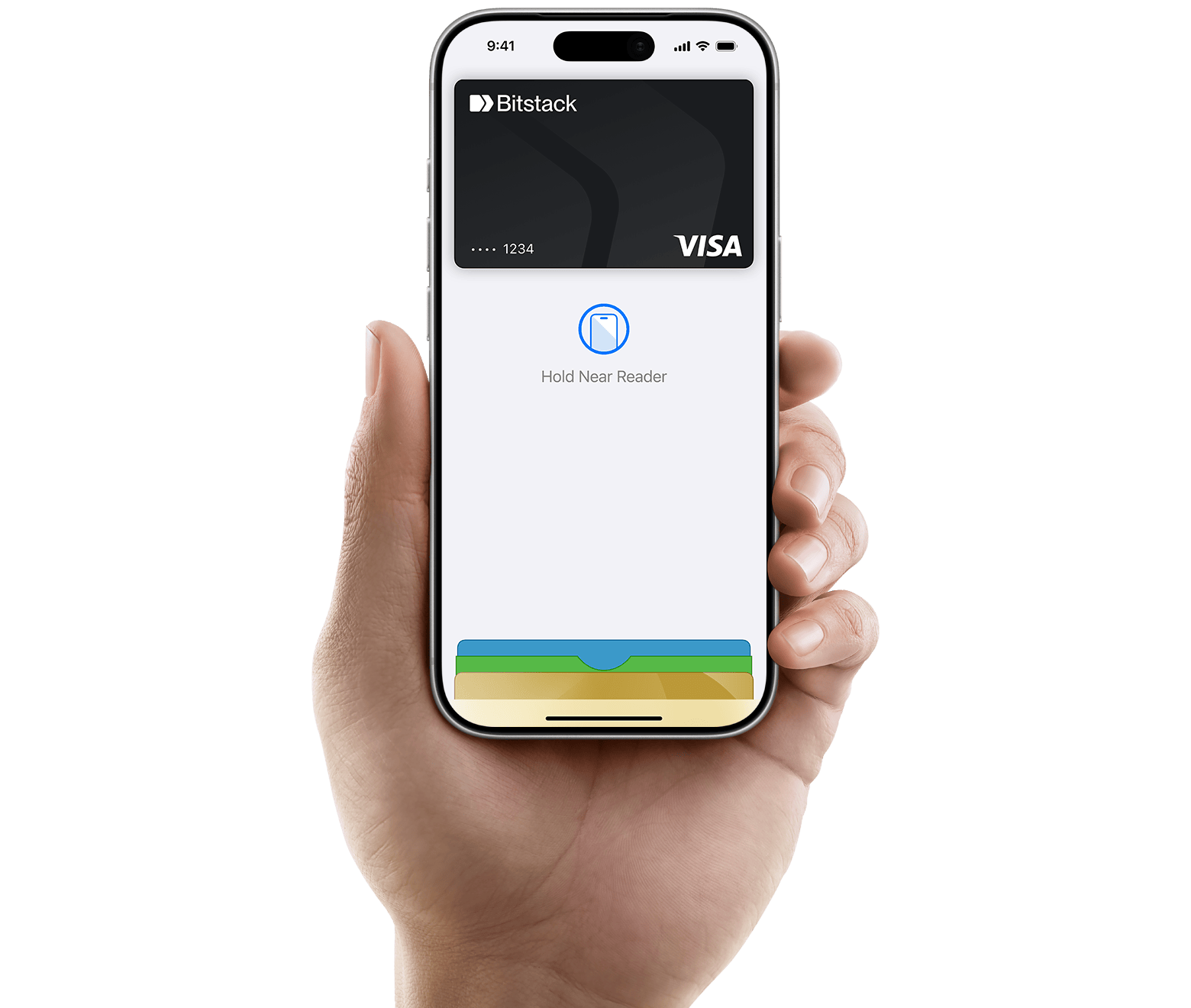
Apple Pay is a secure way to pay with your Bitstack Card using just a simple touch or glance. You can skip entering your personal information, including your card number or security code. Apple Pay lets you check out with Face ID and Touch ID, helping you save time while you complete purchases with your Bitstack Card online and in apps.


Add your Bitstack Card to Apple Pay is simple and only takes few seconds. It happens directly on your Bitstack App, or from Apple Wallet:
Open Apple Wallet and tap the “+” symbol.
Open the Apple Watch app on your iPhone, go to Wallet & Apple Pay, then tap “Add Credit or Debit Card”.
Go to Settings, then Wallet & Apple Pay, then tap “Add Credit or Debit Card”.
Go to System Preferences, then Wallet & Apple Pay, then click “Add Card”.
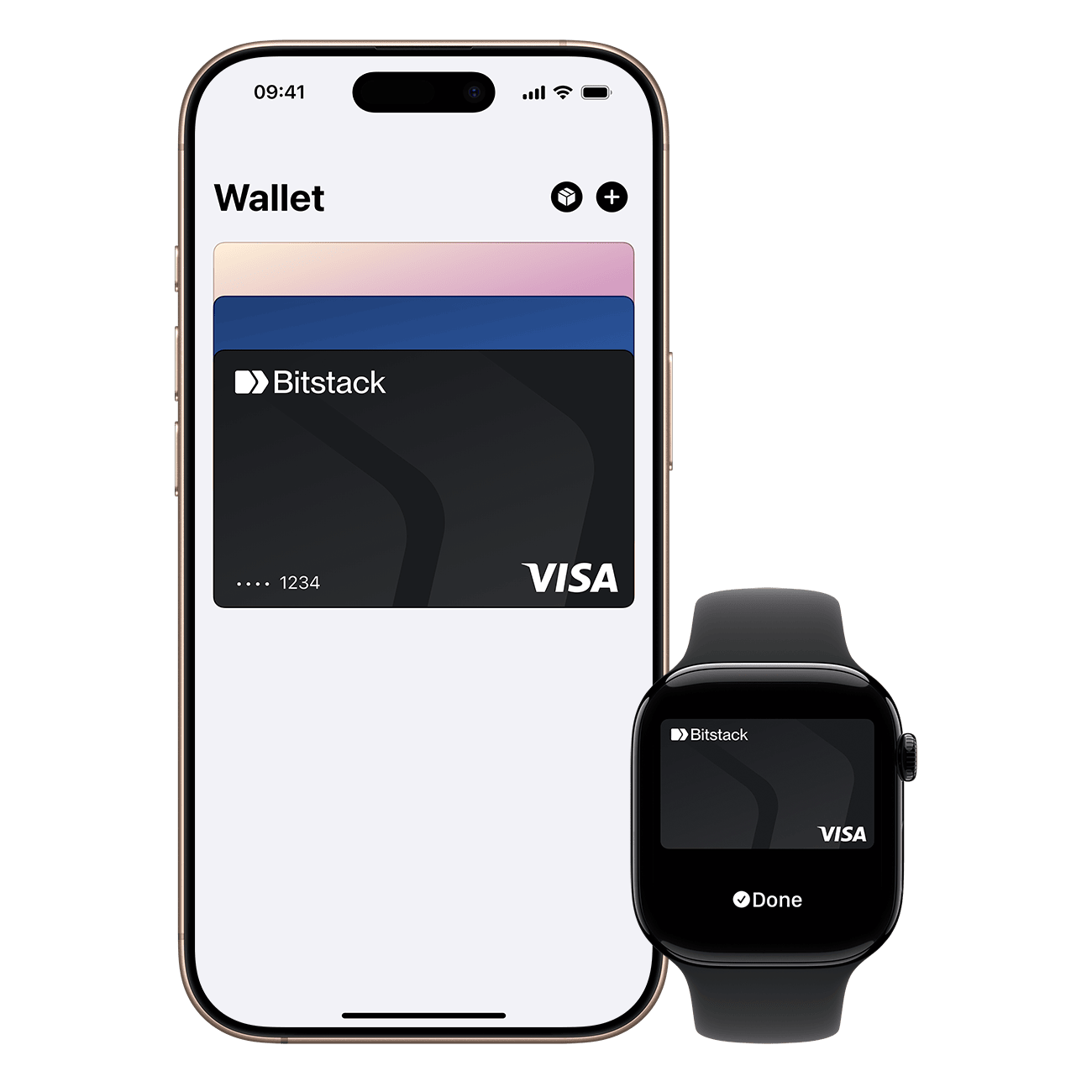
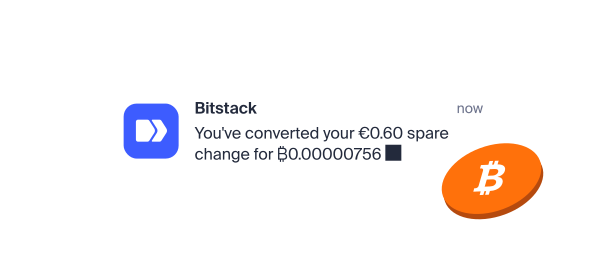
When you use your Bitstack Card with Apple Pay, you'll get the benefits and rewards you love, just like you would with your physical card. Every time you pay with your Bitstack Card, your spare change is automatically converted into bitcoin and you receive Stackback. Add Apple Pay and make it even easier.
Yes. You can add your Bitstack Card to Apple Pay and use it on your iPhone, Apple Watch, iPad, and Mac anywhere contactless payments are accepted.
Open the Bitstack app, then go to the "Cash" section. Open your card's settings and tap "Add to Apple Wallet" You can also open the Wallet app on your iPhone and follow the steps to manually add your Bitstack card.
When you add your Bitstack Card to Apple Pay, your actual card number is never stored on your device or on Apple’s servers. Instead, unique card numbers are generated, encrypted, and stored only on your device. Each transaction is authorized using Face ID, Touch ID, or your passcode, so your card information is never shared with merchants.
Yes. Anywhere you see the contactless symbol or Apple Pay. Just hold your iPhone or Apple Watch near the terminal and authenticate using Face ID, Touch ID, or your passcode to pay.
If you've lost your phone or it's been stolen, you can use Apple's Find My feature to lock it. You can then secure it with a new passcode or erase your personal data. Apple Pay cannot be used without Face ID, Touch ID, or your passcode.
Yes. Every purchase made via Apple Pay with your Bitstack Card works just like your physical card: you get free rounding up in real time and earn up to 1% in Stackback in bitcoins.
Unlike traditional contactless cards, Apple Pay does not have any fixed limits. The only limits that apply are the daily and monthly spending limits on your Bitstack Card, which you can view in the app.


